A masjid runs programming all week, not just Jumu'ah

Right now the schedule lives in a spreadsheet, the sign-ups live in one volunteer's chats, and the noticeboard is out of date by Monday. The job is simple to name and hard to do: fill the hall, know who's coming — the kitchen needs an iftar count by Asr — and don't let it all rest on one heroic volunteer.

Fri · Jumu'ah
Jumu'ah prayerkhutbah 1:15 pm
New-Muslim circleafter Asr · RSVP
Sat
Weekend madrasah10:00–1:00 · 64/72 places
Sun
Weekend madrasahday 2
Community breakfast9:00 am
Mon
Tajwid classafter Maghrib
Tue
Sisters' halaqa10:30 am
Wed
Youth nightafter Isha
Thu
Tafsir circleafter Maghrib

…and Ramadan brings a community iftar every night — each with seats, a kitchen count, and a waitlist to manage. Then the Eid festival.

Every gathering gets a page, a list, and a plan

Community iftar registration, the Eid festival, weekend madrasah enrolment — each one becomes a public event page with a shareable link. Families open it, read the details, and RSVP — no account to create, no app to install. Drop the link in the masjid WhatsApp group, the Friday announcement, the newsletter.

RSVP that respects capacity

Set the number of seats — the hall holds what it holds. RSVPs count down in real time, and the event closes itself when the last seat goes.

Waitlists with auto-promotion

When the iftar is full, new RSVPs join a waitlist. A family cancels? The first family in line is promoted automatically — no one keeps a list on paper at the door.

The list your team actually needs

Who's coming, who's waiting, who cancelled — one view for the kitchen crew planning portions, the volunteer coordinator, and the imam before Jumu'ah.

Masjid Al-Falah

Community Iftar — Ramadan 1448

🌙 Night 7 · doors open at Maghrib
📍 Main hall & courtyard
186 of 200 seats reserved
Reserve seats →

Full? Join the waitlist — seats open as plans change.

A public event page — share the link in the masjid WhatsApp group; no account needed to RSVP.

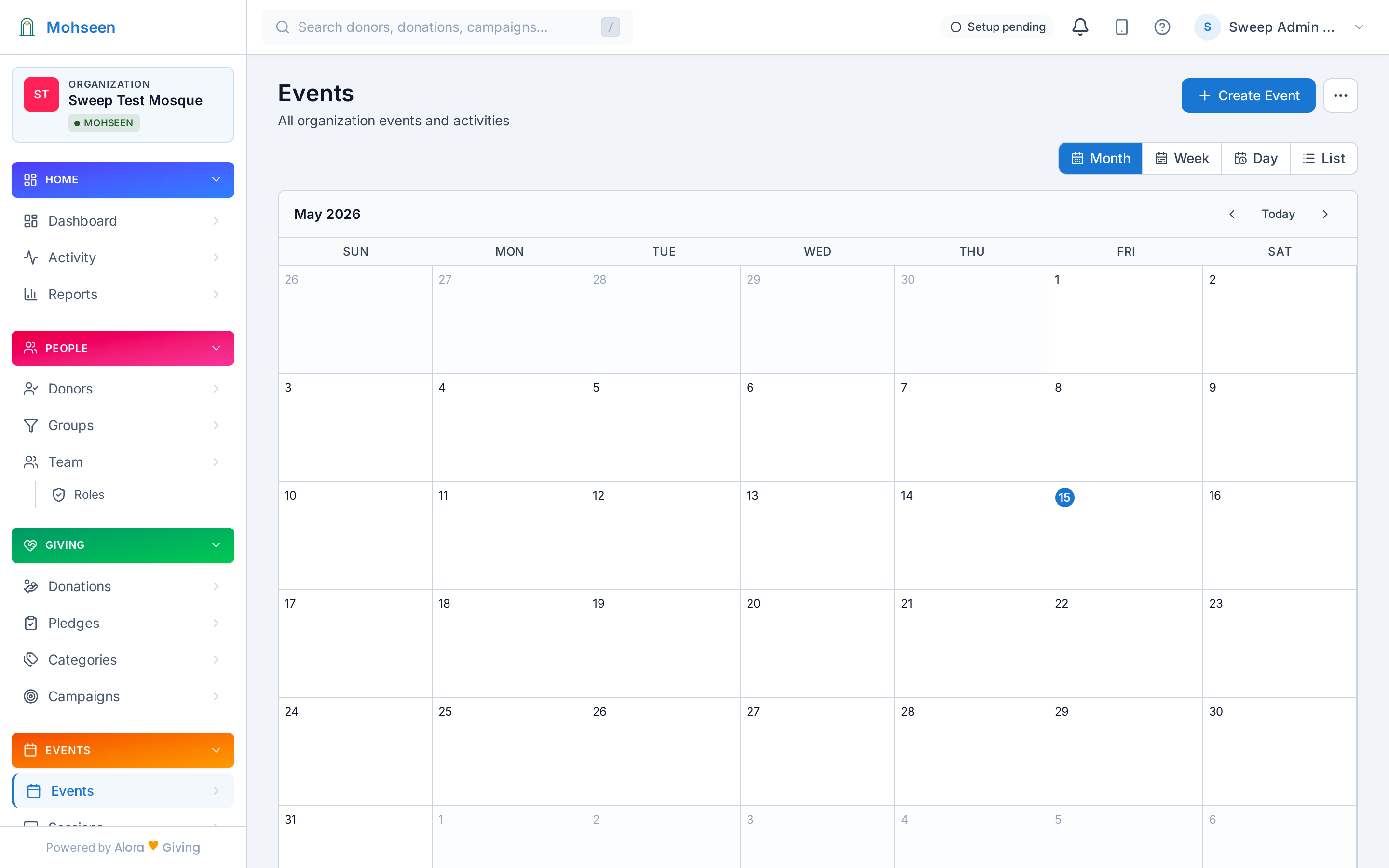
The masjid calendar in the Mohseen dashboard — month, week, day, and list views

The masjid calendar in the dashboard — month, week, day, and list views.

One calendar the whole community lives on

1

Programs project their schedules

The weekend madrasah's Saturday–Sunday terms, youth night's Wednesdays, the tafsir circle's Thursdays — each program writes its own schedule onto the masjid calendar. Change the program, and the calendar follows.

2

Hijri and civil, side by side

Ramadan, Dhul Hijjah, Muharram — the Islamic year is already on the calendar when you plan, next to the civil dates your school terms and hall bookings run on. Plan the madrasah term around Eid instead of discovering the clash in week three. The Hijri calendar, built in →

3

Families subscribe once

Every family adds the masjid's .ics/iCal feed to Google Calendar, Outlook, or Apple Calendar — and new events simply appear on their phones. No more "what time is the iftar?" messages.
Announce it where your community already looks

Create the event once — then let it show up on the masjid website, the entrance-hall screen, and in the inboxes of exactly the people it's for.

🖥️

Events widgets on your website

Event cards with one-click RSVP, a mini-calendar of what's ahead, and countdown timers — embedded on the masjid's website with one line of code. Website widgets →

📺

Prayer-times & announcement signageEarly access

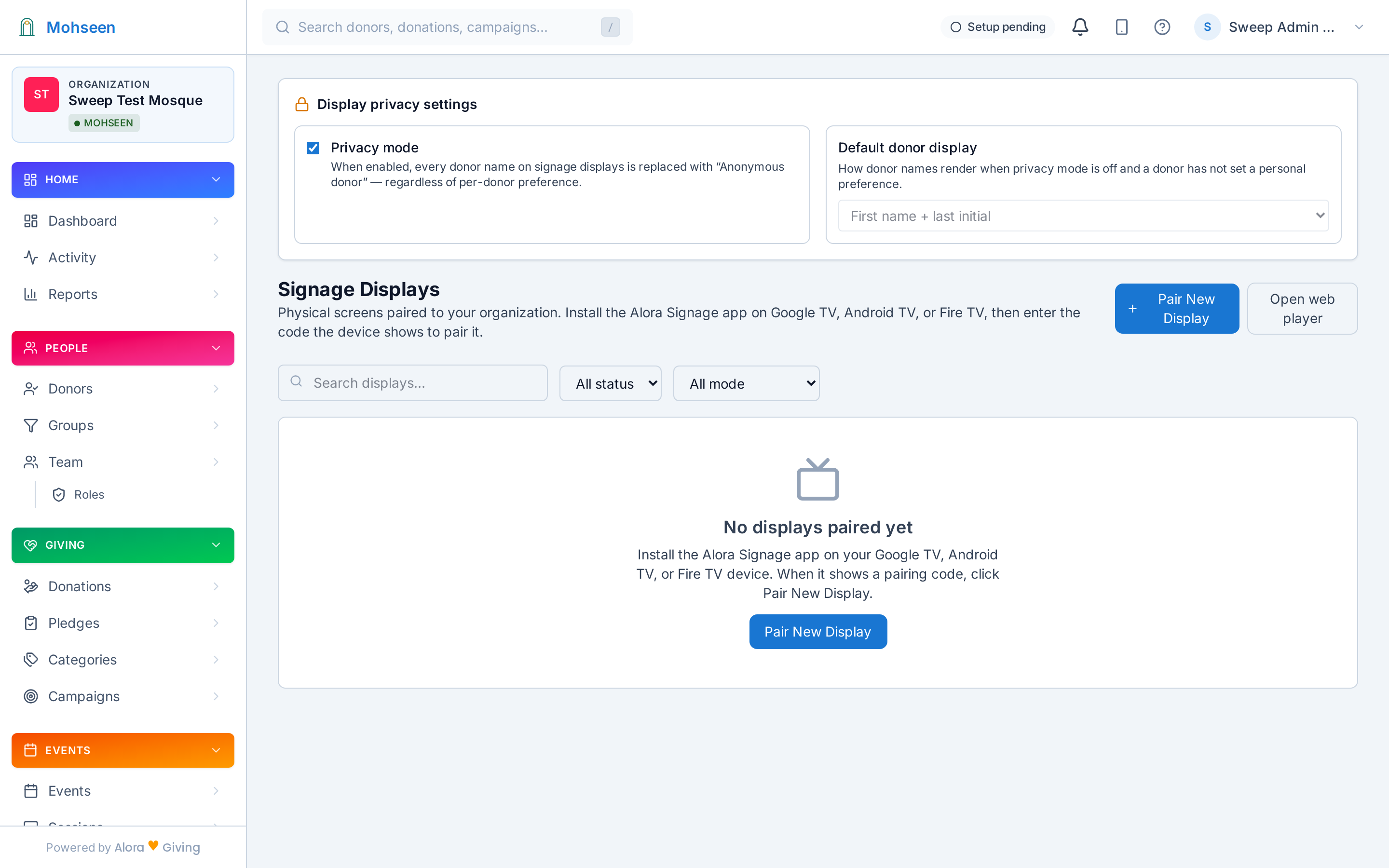
The entrance-hall screen shows prayer times, with announcements rotating between them — madrasah enrolment open, the Eid festival, this week's janazah notice. Digital signage →

✉️

Email, to exactly the right people

Segment-targeted broadcasts: madrasah parents get the enrolment email, the youth list gets the youth-night change — fewer, better messages, never the whole list every time. Segments → · Automation →

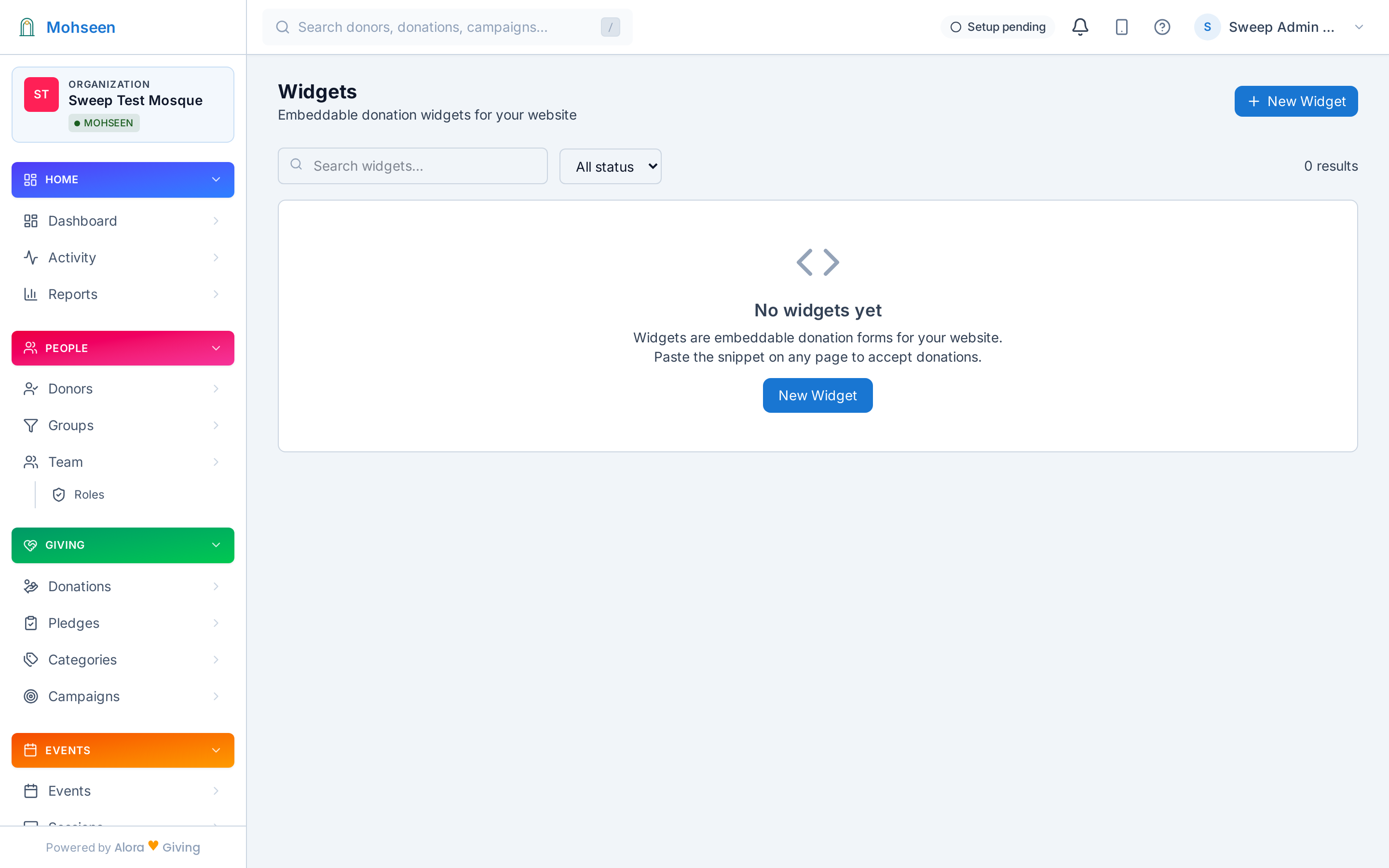
Widget Studio — events, announcement, and giving widgets for the masjid website
Widget Studio — events widgets for the masjid website
Signage screens managed from the dashboard — early access
Signage screens, managed from the dashboard (early access)

When the iftar is also an appeal

A fundraising iftar for the new wing, a community dinner for the relief fund — some evenings are both a gathering and a moment of sadaqah. Pair the event with a live appeal: the RSVP list handles the seats; the live appeal handles the giving.

Guests scan the QR on the table card or enter a 4-character code at live.mohseen.app from their seat, give in a few taps, and the total climbs on the screen as the room gives together — generosity made visible with adab, never with pressure.

And every sadaqah lands in the same ledger as Friday's collection — on the same contributor records, counting toward the same appeal, on the same year-end statement. No separate cash box to reconcile the morning after.

More on live appeals →

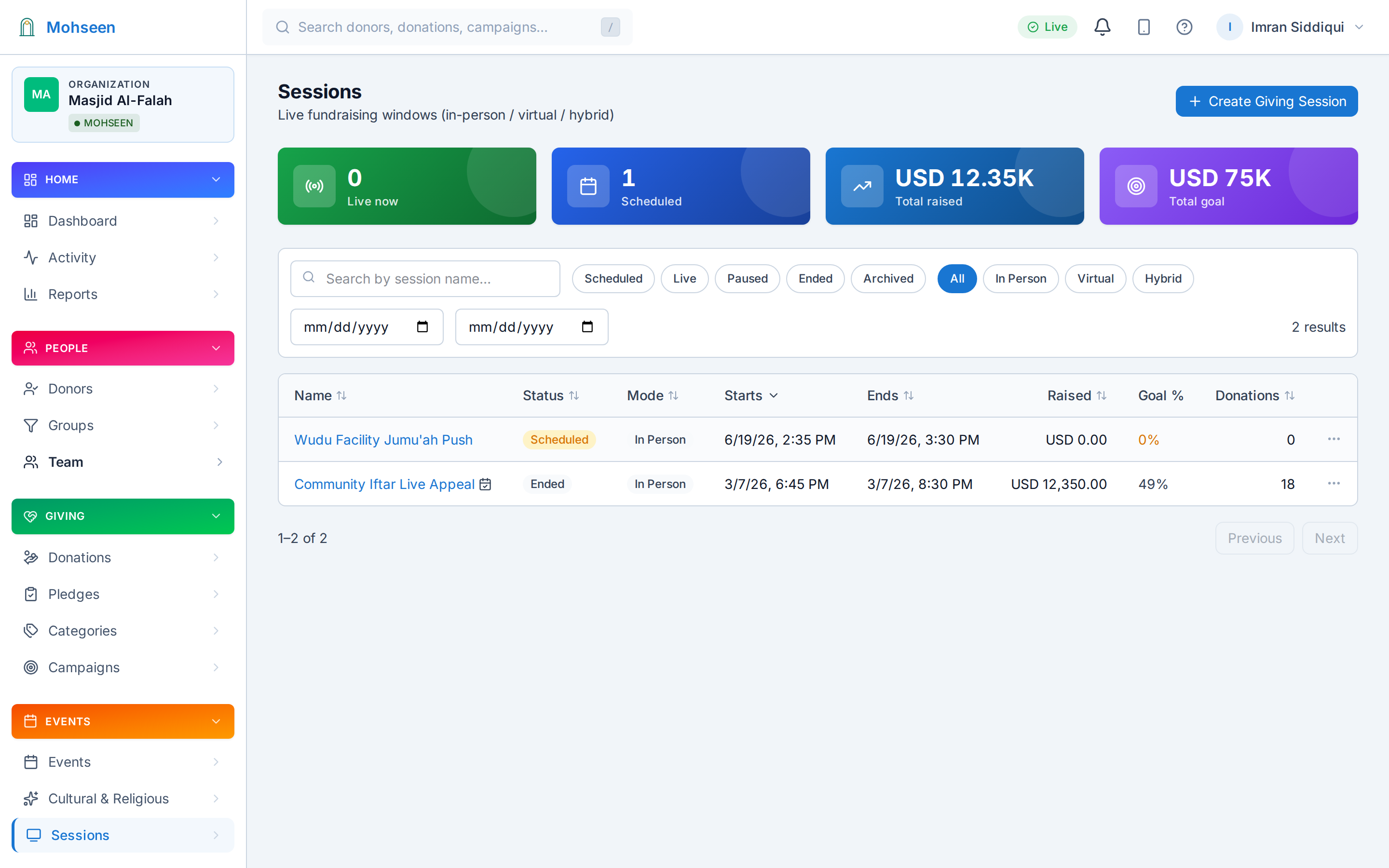
Dashboard list of live appeals with status, totals, and codes

Live appeals — codes, totals, and status in the dashboard.

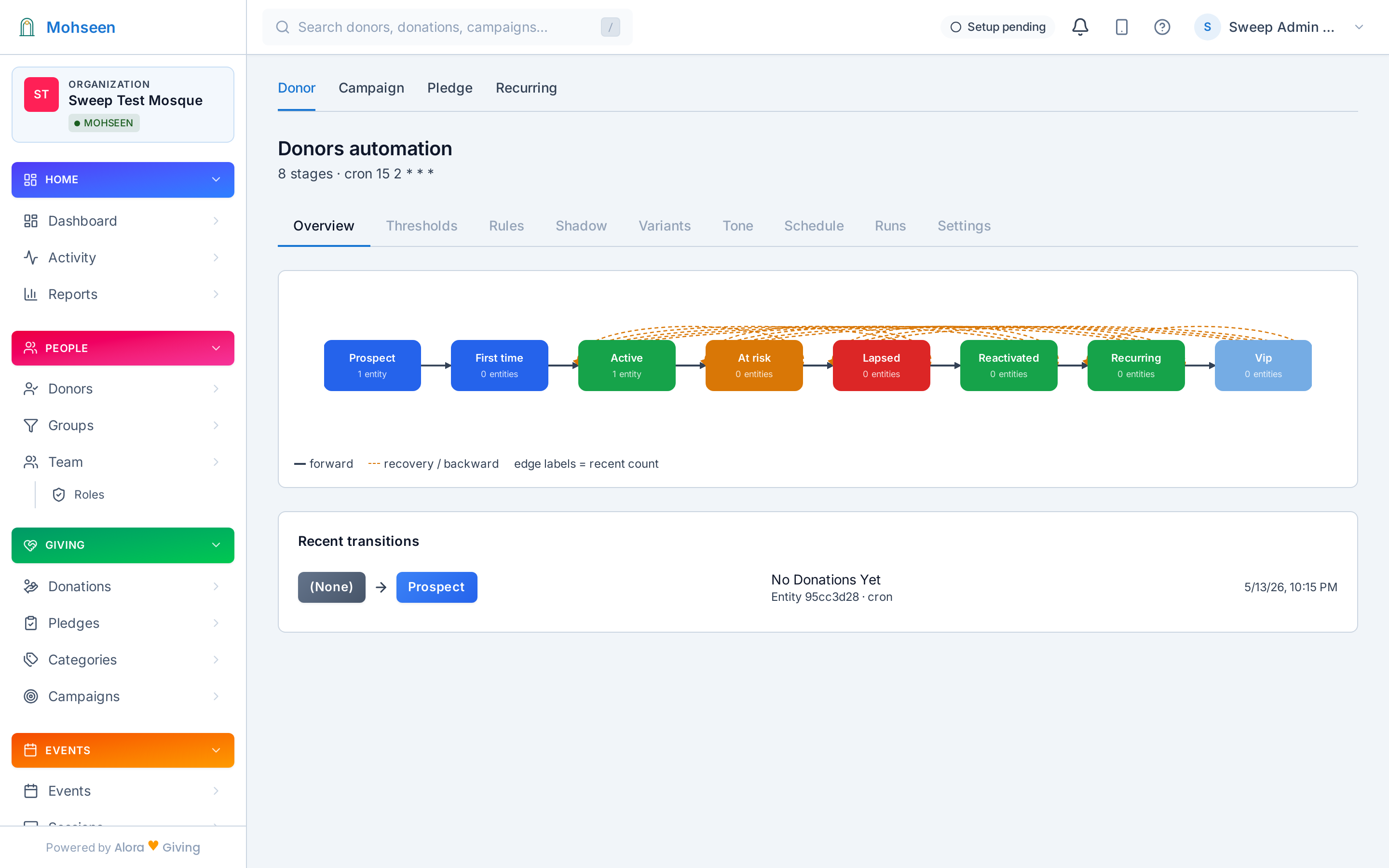
Contributor lifecycle automation — welcome, steward, renew, win back

Lifecycle automation — the follow-up drafts itself; your team approves.

The event ends. The relationship doesn't.

1

RSVPs land on the record

Who came to the community iftar, who enrolled children in the madrasah, who shows up to everything — event participation lives on the same contributor profiles as sadaqah and commitments.

2

Segments see the whole person

The family at every iftar who has never given. The contributor who attends every Eid festival. Segments built on engagement, not just sadaqah, show your team who to welcome next — quietly and personally, as adab asks.

3

Lifecycle automation picks it up

A welcome for the first-time madrasah family, a thank-you after the fundraising iftar — automation drafts the follow-up for your team to review and approve. Nothing ever sends itself.

Your first event, published today

No setup project, no developer, no waiting on the volunteer who built the website.

1

Pick your tradition

Sunni, Shia, Sufi, Ibadi, or Ahmadiyya — your funds, vocabulary, and the Hijri calendar configure themselves in about 60 seconds.

2

Create the event

Title, dates, seats, waitlist on — the public event page and RSVP list are live in a couple of minutes.

3

Share the link

The masjid WhatsApp group, the Friday announcement, the website widget — RSVPs start arriving the same day.