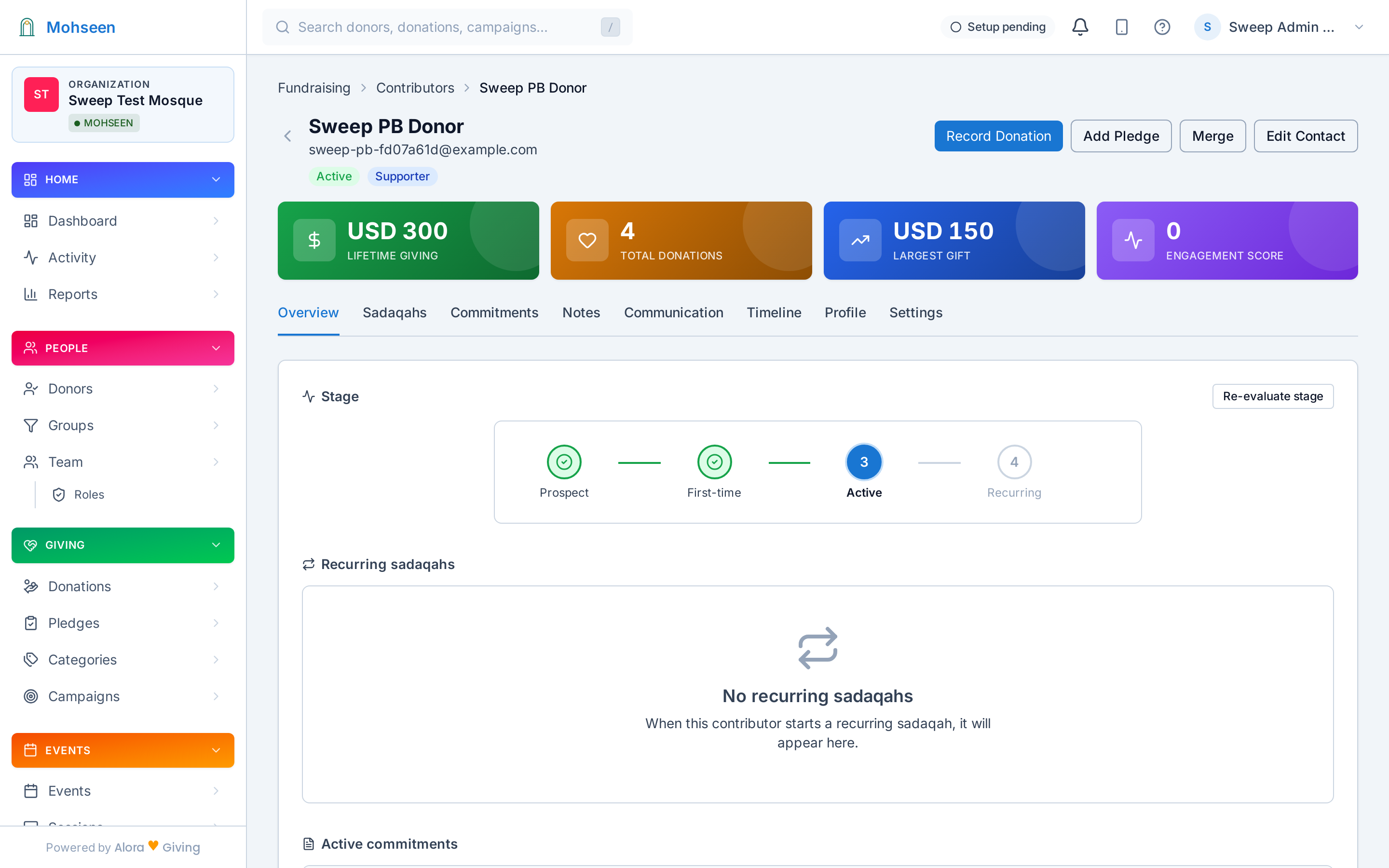
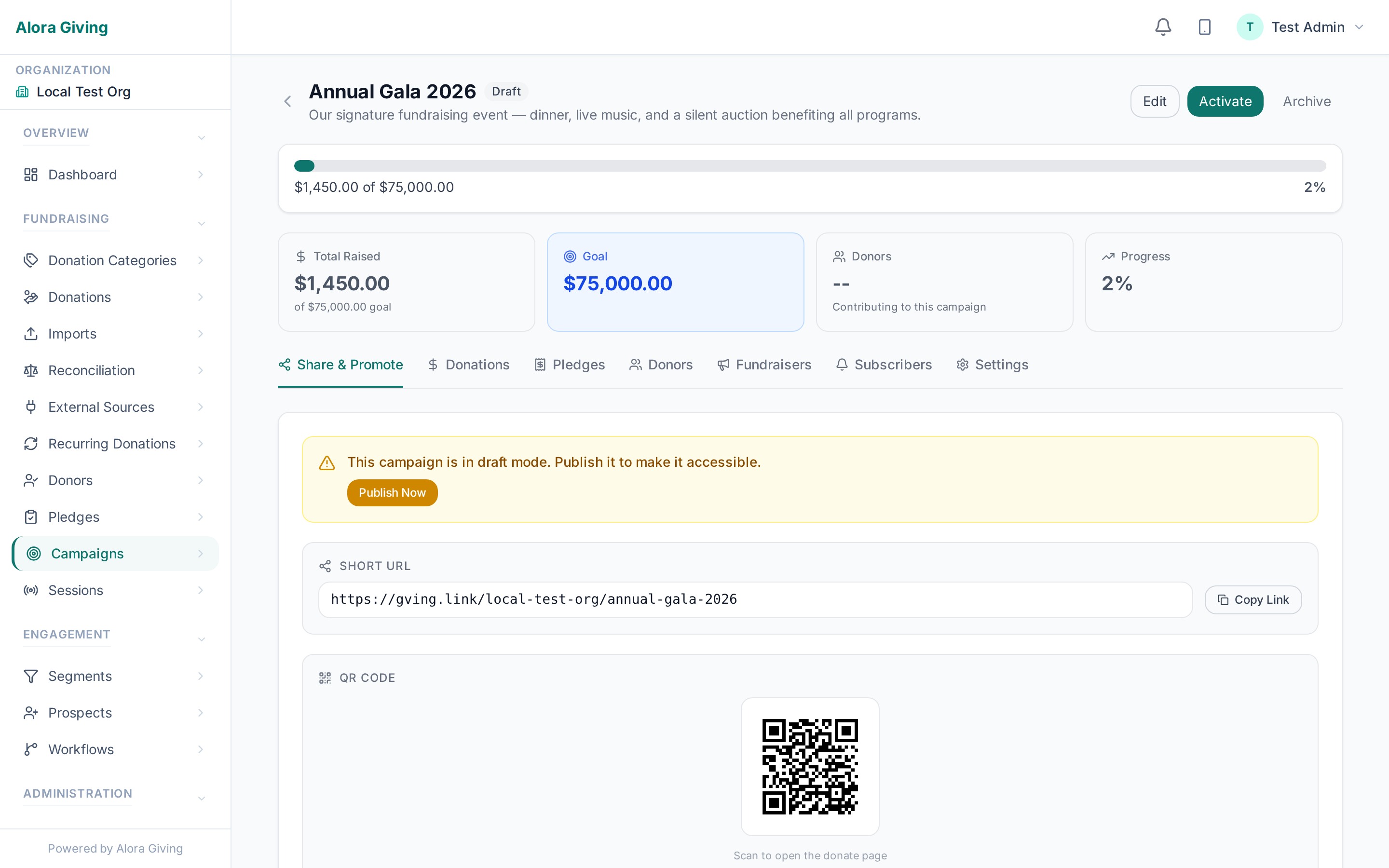
See it in action
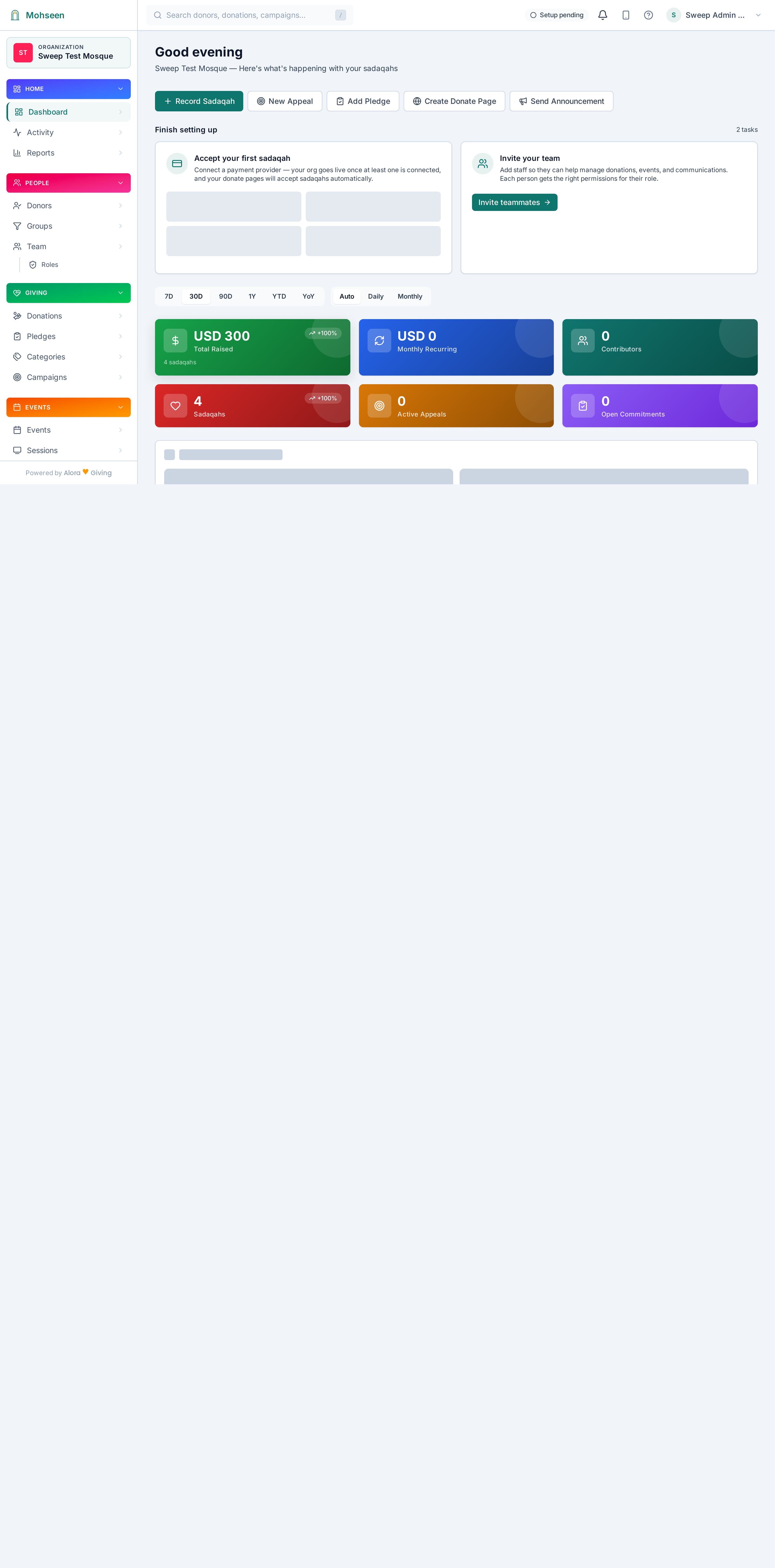
Dashboard Overview
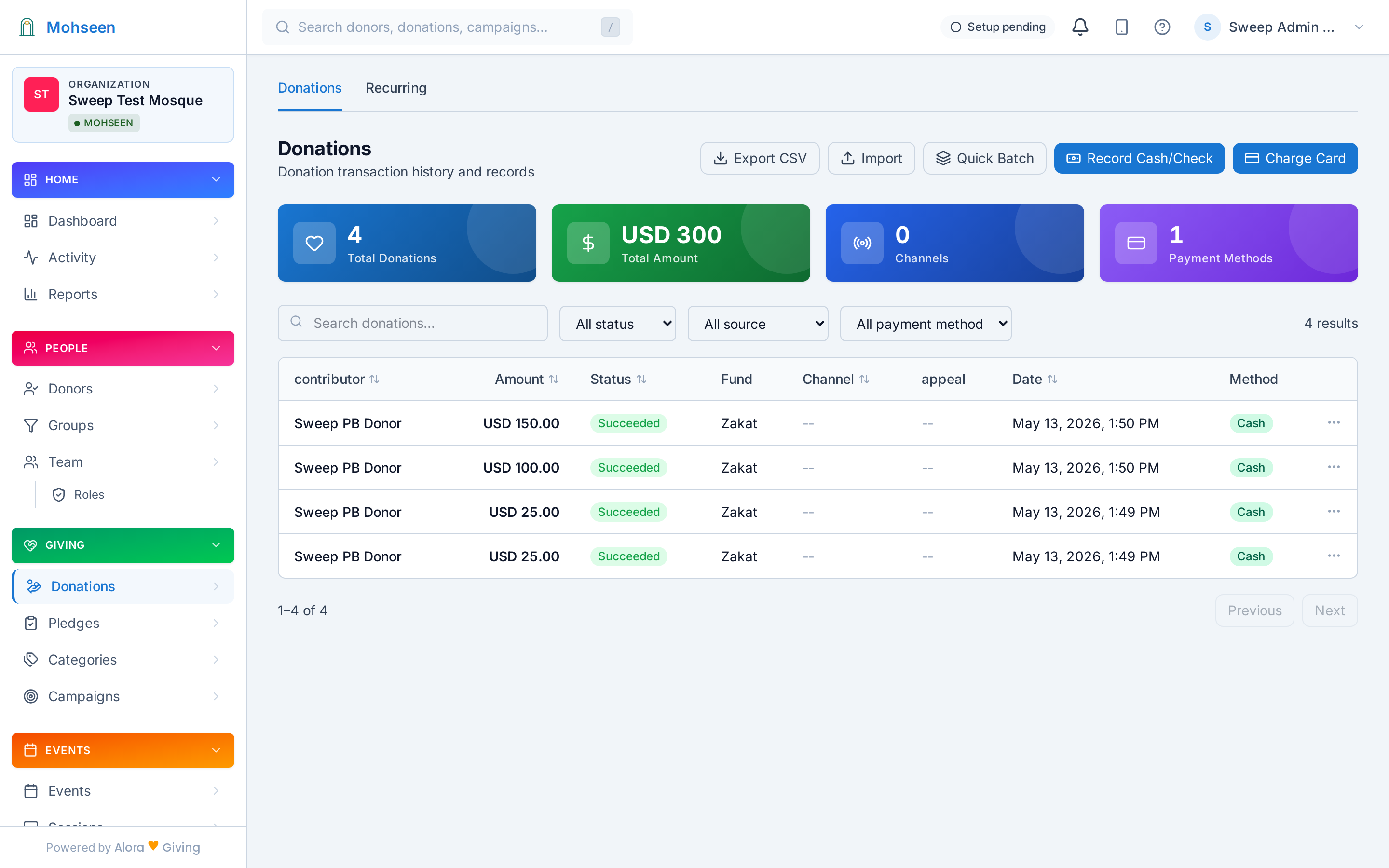
Transaction List
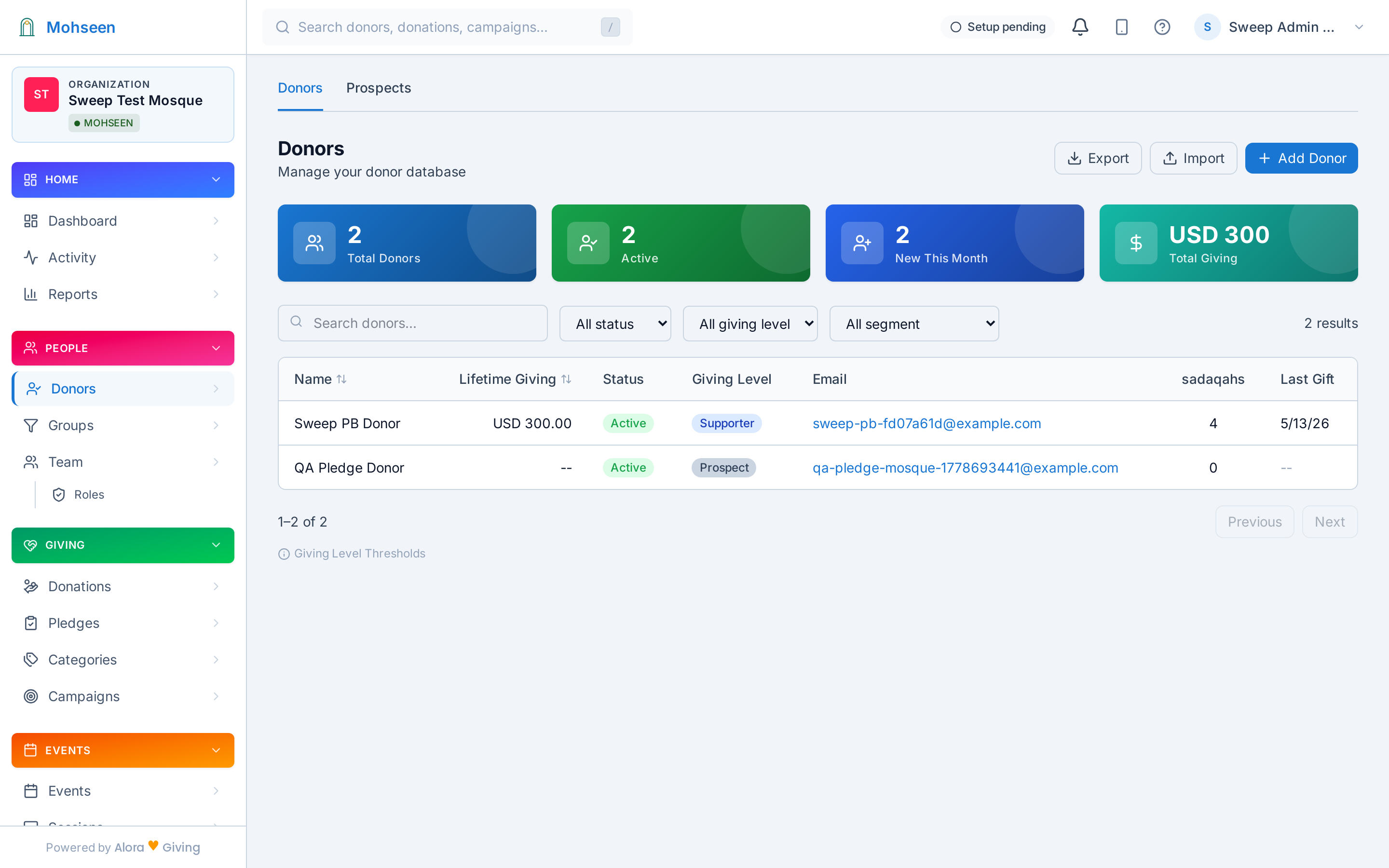
Supporter Directory
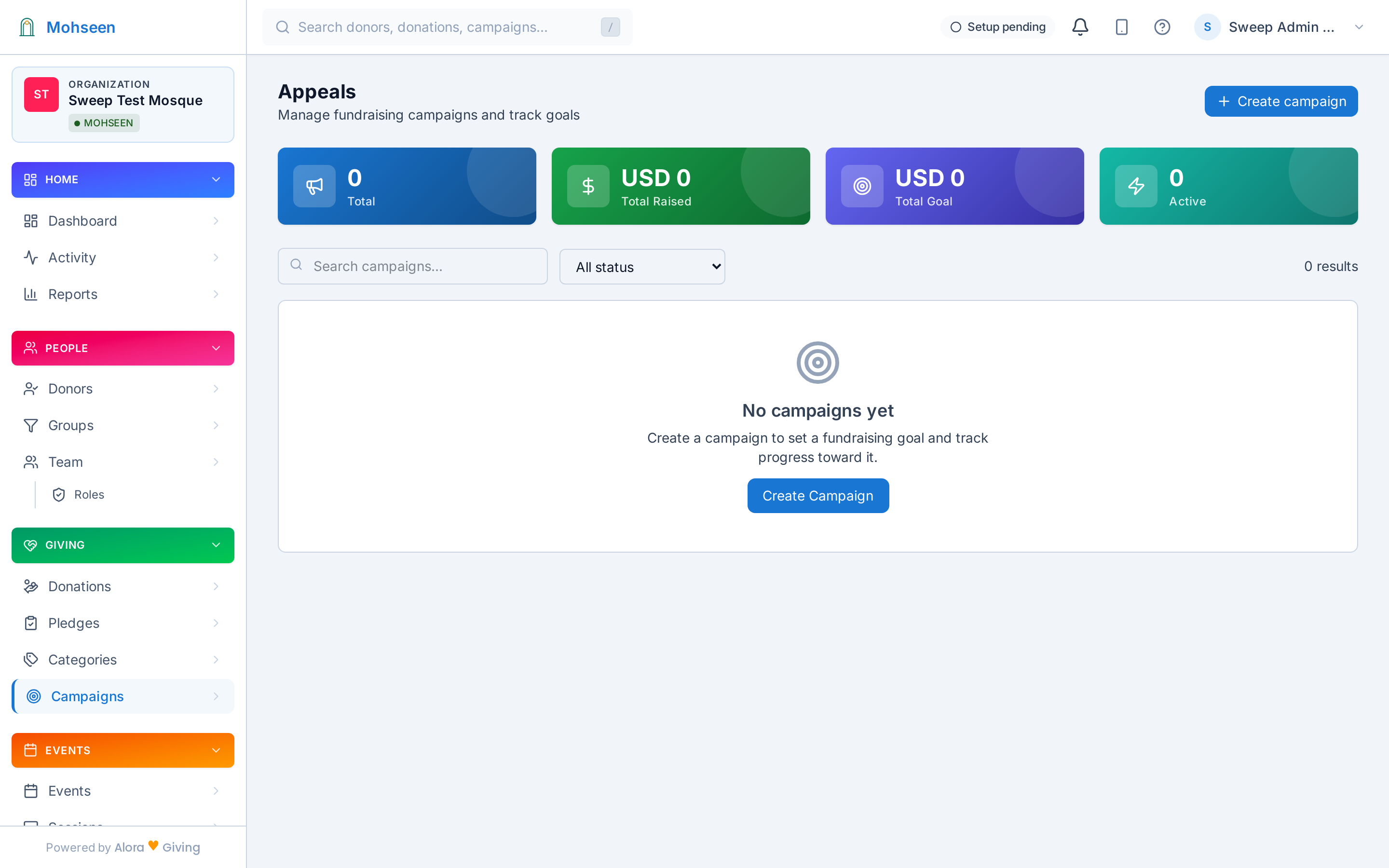
Campaign Tracking
The dashboard adapts to your organization — small teams get a simple view with guided suggestions, larger teams get full analytics. Every label uses your vocabulary.
AI-powered intelligence
The AI adapts what you see based on your organization type and size — so you spend less time navigating and more time on your mission.
The AI detects your organization's needs. Small churches get a clean mobile-friendly summary with action cards. Large nonprofits get full analytics with charts and filters. You don't configure this — the profile determines it.
In guided mode, the dashboard suggests what to do next: "Christmas campaign is ready — review your appeal?" "7 new members — send a welcome?" Approve or dismiss with one click.
Upcoming events, seasonal dates, and campaign deadlines shown on the dashboard. Subscribe to your calendar with one click — events sync to Google Calendar, Outlook, or Apple Calendar.
A church admin sees "Stewardship" and "Members." A synagogue treasurer sees "Tzedakah" and "Congregation." A mosque treasurer sees "Giving" and "Community Members." Same dashboard, different words.
Every feature designed to save time, reduce errors, and keep your team aligned.
Platform admins, org admins, staff, and donors each see exactly what they need. Custom roles with granular permissions.
Revenue trends, channel breakdown, category split, and top supporters — live on the overview page.
Platform admins manage multiple organizations from one login. Org admins see only their own data.
Logo, colors, and theme automatically applied across the dashboard, emails, and public pages.
Every action logged — donations, profile changes, role assignments, settings updates. Exportable for compliance.
Search, filter, sort, and paginate every list. Export to CSV. Bulk actions where it matters.